HTML5 snippets
Right-click → Code → HTML5 opens an authoring modal with a monospace editor.
Write any HTML — inline <style> and <script> run too — and Submit to drop
it on the board as a live, interactive snippet.
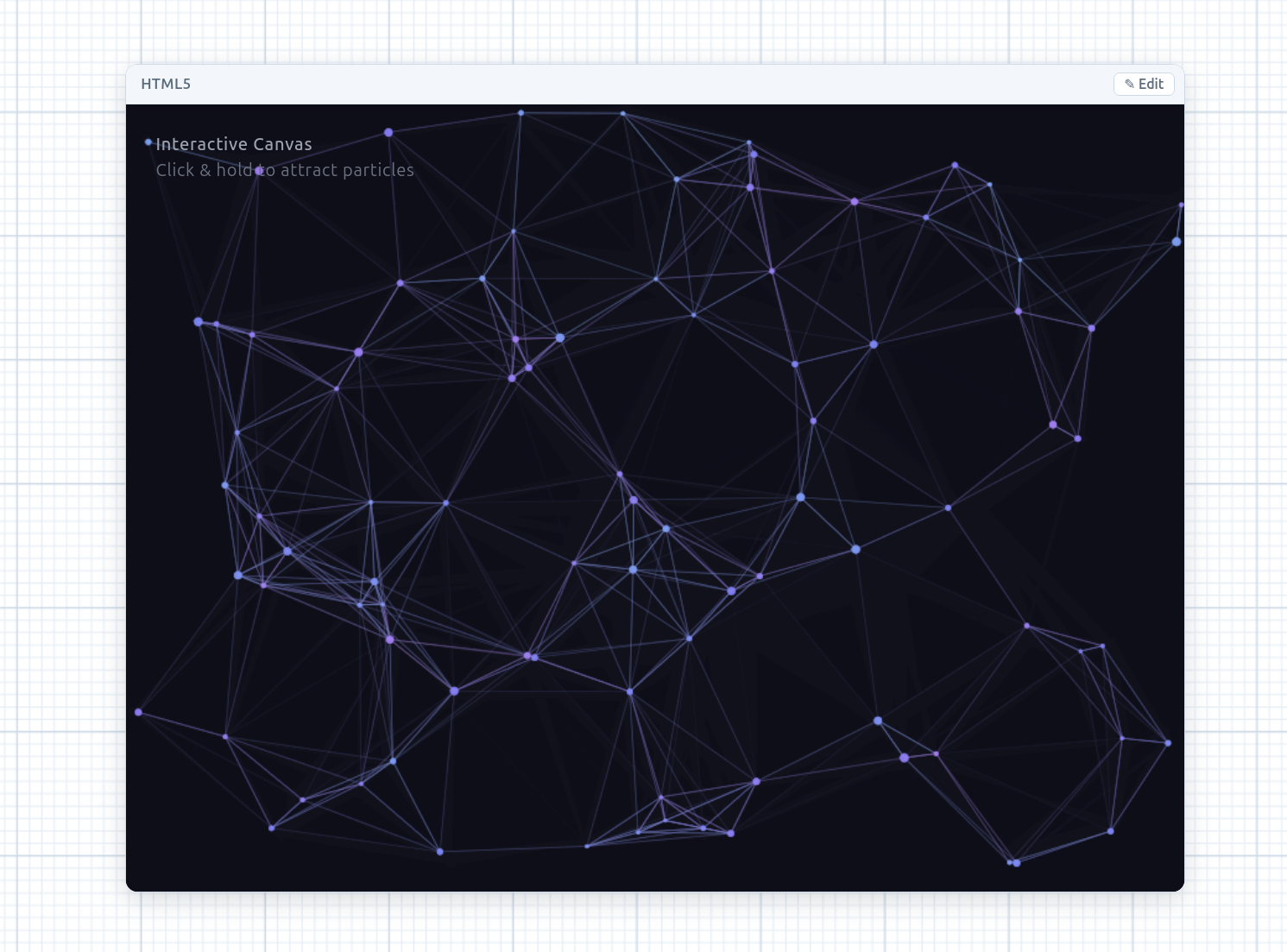
Authoring
- Type markup directly, or describe what you want and hit the 🪄 Magic wand
to have the configured LLM generate the snippet, streamed straight into the
editor. The editor’s current text — a plain-English description and/or existing
markup to improve — is the prompt, and a
#>comment marks a targeted edit. - Submit renders the snippet as a bubble on the canvas.
On the board
A rendered snippet is a DOM overlay hosting a sandboxed iframe
(allow-scripts but no allow-same-origin), so the snippet runs but can’t reach
the board. It’s wrapped in the same chrome as code cells:
- A draggable header, a bottom-right resize grip, and an × to remove it.
- It pans and zooms with the canvas like every other overlay.
- Double-click the rendered content (or the header, or the header’s ✎ Edit button) to re-open the editor — a tiny bridge script forwards the double-click across the sandbox boundary, so the snippet stays fully interactive.
The markup persists with the board and restores on reload.
Linked images
Just like code cells, any image on the board — loaded or generated — can be linked into an HTML5 bubble. Drag the image’s orange + onto the bubble (a plain click still opens the image-to-image transform dialog): a green connector is drawn, with a hover-to-remove × at its midpoint.
Each linked image is injected into the iframe as a global IMAGES object —
image1, image2, … → a data URL — so your markup can use it directly:
<img src="IMAGES.image1" />
// or in a script: ctx.drawImage(img, 0, 0), CSS background-image, etc.
- The sandboxed iframe is a unique origin, so images are passed as data URLs
(not
blob:URLs, which can’t cross the sandbox); changing the links re-renders the iframe. - The 🪄 magic wand is told which
IMAGESkeys are available, so a generated snippet wires the linked images in rather than inventing placeholders. - Submitting an empty snippet is allowed — drop a blank bubble, link images onto it first, then author the markup (double-click to edit) with the wand already aware of the images.
- The links persist and sync on the bubble and survive disk export/import.
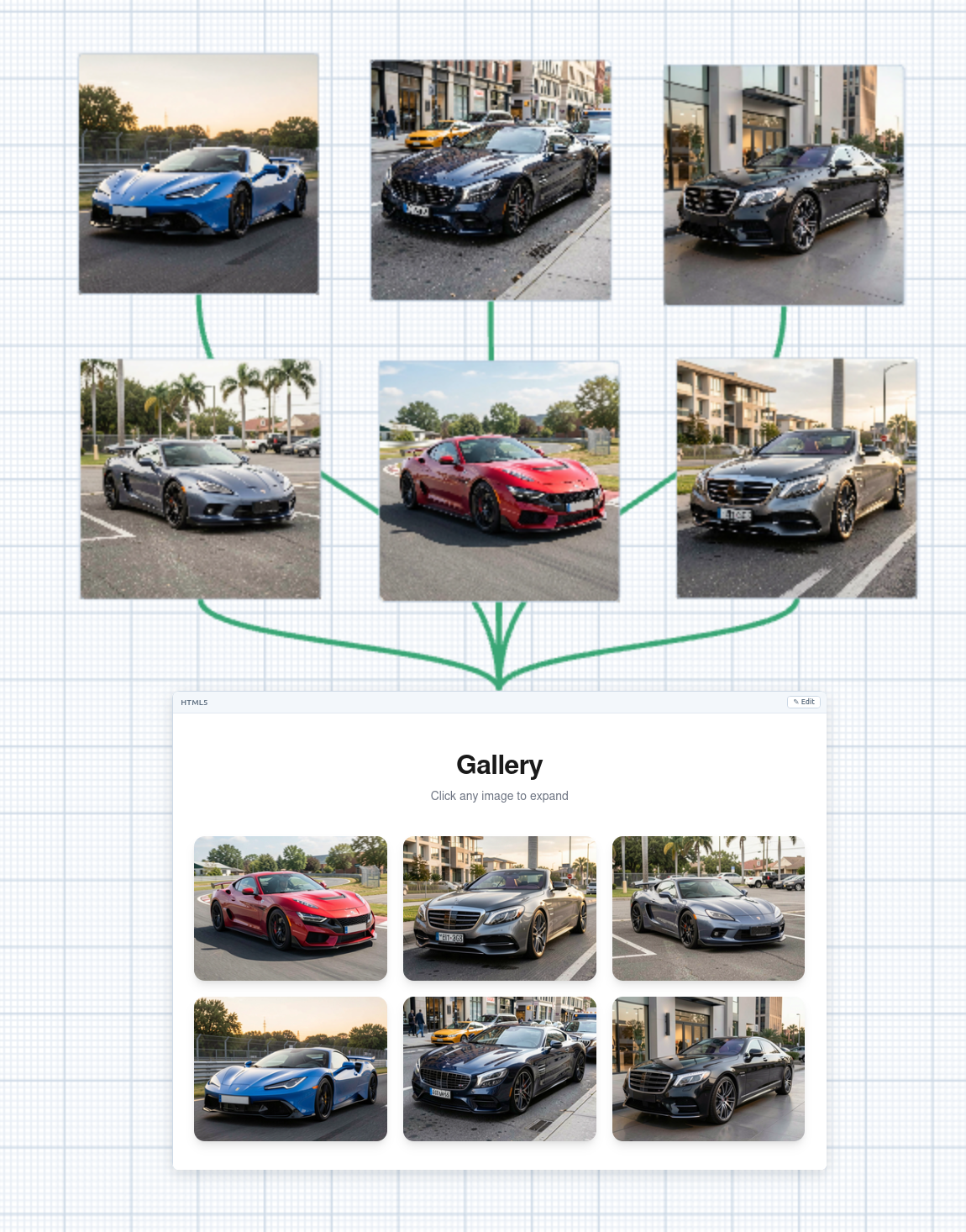
IMAGES global.Linked videos
Video bubbles link into an HTML5 bubble exactly the same way —
drag the video’s orange + onto the bubble to draw a green connector (hover-×
to remove). Each linked video is injected into the iframe as a global VIDEOS
object — video1, video2, … → a data URL — so your markup can use it directly:
<video src="VIDEOS.video1" controls></video>
- Same rules as images: data URLs (not
blob:), changing the links re-renders the iframe, the 🪄 magic wand is told the availableVIDEOSkeys, and the links persist and sync and survive disk export/import. - For the clip to actually play, use a browser-decodable codec — H.264
.mp4or.webm.