Charts (Mermaid)
Right-click → Code → Chart drops a Mermaid diagram rendered directly on the board — just the diagram SVG, with no bubble or chrome around it (like the free Text feature). Write the diagram in Mermaid’s text syntax and it renders as a crisp vector image you can place anywhere on the canvas.
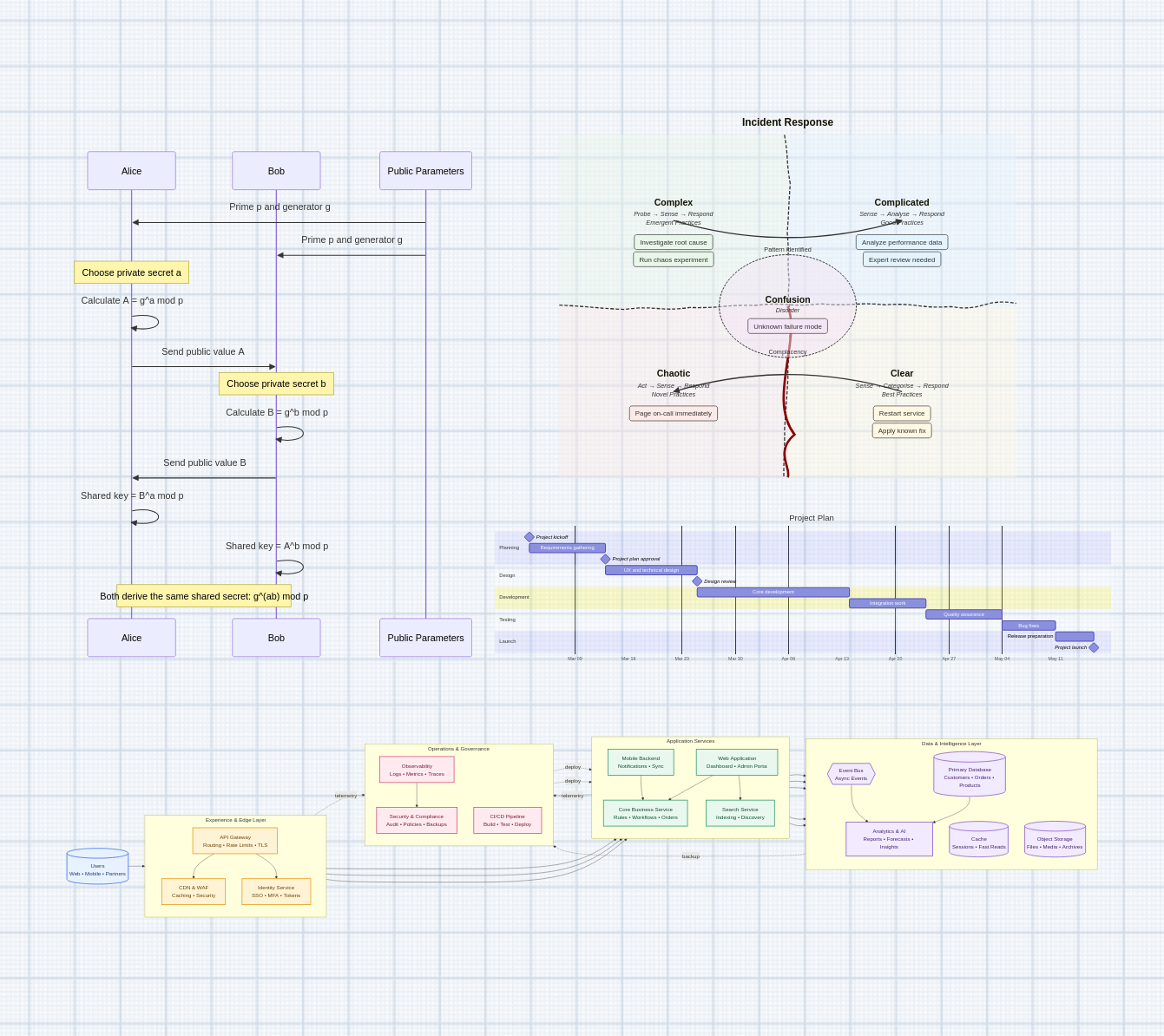
On the board
A chart is the bare SVG — no header, no border:
- It pans and zooms with the canvas like every other overlay.
- Drag it to move it, and a hover corner grip to resize — the SVG scales to the chosen width, keeping its aspect ratio (like an image).
- A hover × removes it.
Rendering is view-only: a chart is a diagram, not a data sink, so — unlike code cells or HTML5 bubbles — it takes no linked image, video, or sheet data.
Editing
Double-click the diagram to edit it. A floating source editor opens over it — a monospace textarea with a line-number gutter — where you write Mermaid syntax. Submit (the button or Ctrl/Cmd+Enter) re-renders the diagram and closes the editor.
A brand-new chart opens straight into the editor; submit it empty and it’s just removed.
Mermaid covers a wide range of diagram types, all from plain text:
flowchart— flowcharts and graphssequenceDiagram— sequence diagramsclassDiagram— UML class diagramsstateDiagram-v2— state machineserDiagram— entity-relationship diagramsgantt— Gantt chartsmindmap— mind mapspie— pie chartsgitGraph— git branch/commit graphs
…and more. Invalid syntax renders an inline error message in place of the diagram, so you can fix it and re-submit.
For example, a simple flowchart:
flowchart LR
    A[Idea] --> B{Good?}
    B -->|Yes| C[Ship it]
    B -->|No| A
The magic wand
Like code cells and HTML5 snippets, the source
editor carries a 🪄 magic wand. Describe the diagram you want (or paste rough
Mermaid to improve) and the configured LLM streams a valid Mermaid definition
straight into the editor, replacing its contents. ↶ / ↷ undo and redo the
wand’s rewrites, and a %%> comment in the source marks a targeted edit for the
wand to apply rather than rewriting everything. See the magic
wand for how it’s wired and which model it uses.
Persistence
The Mermaid source persists with the board and restores on reload. It’s stored
inline in the board document as a "mermaid" overlay record, so it’s synced to
collaborators, undoable, and round-trips through disk export/import like
every other overlay. Mermaid itself is a large library, so it’s loaded on demand
the first time a chart renders — it stays out of the main bundle otherwise.