Collaboration
Brainstorm is local-first — every board works fully offline, saved in your browser, whether or not you have an account. Cloud sync and collaboration are part of Plus:
- Free (signed in or not): your boards are saved locally in your browser. They don’t leave the device.
- Plus ($15/mo): your boards sync to the cloud across your devices, and you can share a board and edit it together, live with other people — cursors, edits, chat answers, images, and code output all in real time.
Sync rides a server-side hub, but each client keeps its own offline copy and merges on reconnect, so nothing is lost when you go offline.
Cross-device sync (Plus)
With a Plus subscription, every board you own is backed up to the cloud and appears on any device where you sign in to the same account:
- Subscribe to Plus and sign in on both devices.
- Edit or create a board on one — after its first change it’s synced.
- Open Boards (the ☰ menu) on the other device. Your boards from the first device are listed there; open one to pull it down and keep editing.
Edits made while offline merge back in automatically on reconnect — there are no conflicts to resolve and no “keep both” dialogs.
Without Plus, boards stay on the device that made them. If a subscription lapses, your local boards keep working and existing cloud boards stay readable and downloadable for a retention window, but new changes stop syncing until you resubscribe.
Sharing a board (Plus)
Sharing and joining a shared board require a Plus subscription. To share a board you own:
- Open Boards and click Share on the board.
- Enter a collaborator’s email and send the invite. They must already have a Brainstorm account (invites are sent to registered users only).
- They get an email with a link. Opening it — signed in as the invited account, and subscribed to Plus — adds the board to their Shared with me list.
In the Share dialog you can see the current members and remove anyone, and see and cancel pending invites. Boards allow up to 10 collaborators.
Joining a shared board
A board someone shared with you shows up under Shared with me in the Boards menu, badged with the owner’s name. From there you can:
- Open it and edit alongside everyone else.
- Leave it (you’ll need a new invite to rejoin).
- Copy to my account — make an independent copy you own, disconnected from the original (handy if the owner later removes the board).
What happens live
When two or more people have the same board open:
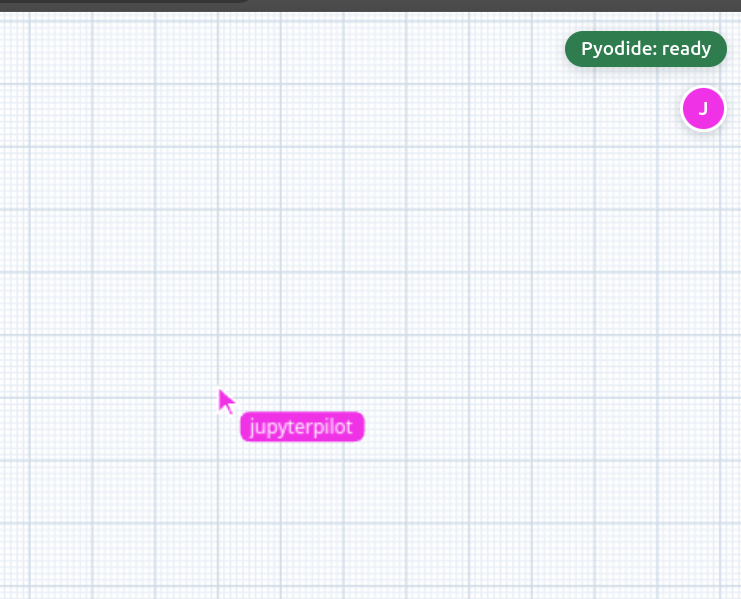
- Presence — you see each collaborator’s cursor and name, in their own color.
- Edits — moving, typing, drawing, and adding or deleting anything shows up for everyone instantly (character-level for text, so two people can type in the same bubble without clobbering each other).
- Chat answers — when someone submits a prompt, the streamed answer appears for everyone as it’s generated. Only the person who asked spends an API call.
- Images — pasted or generated images sync to everyone (the bytes travel over regular HTTP, addressed by content hash).
- Code output — a cell’s rendered output (text, tables, images, plots) is shared and persists with the board, so collaborators and a later reload see the last result without re-running.
What stays local
- Code execution. Each person runs their own in-browser Python kernel. The cell source and its output are shared, but the running kernel and its variables are not — re-run a cell locally to get an interactive ipywidget back, since live widgets need a running kernel.
- Your viewport. Pan and zoom are per-device, so everyone can look at a different part of the same board.
Privacy
Shared boards are stored on the server in plaintext, and every member can see the full board content — text, images, and code output. Presence shows collaborators your display name only, never your email. See the app’s privacy policy for the full details before sharing sensitive work.